Best CMS Integration Tools for SEO Content Ops

If your team is tired of bouncing between docs, SEO tools, editors, plugins and publish queues, you’re probably looking for more than a CMS. You need a cleaner CMS integration setup that makes SEO content ops easier to run at scale.
The right SEO integration is more than just a publishing mill! It shapes how briefs become drafts, how teams handle metadata, manage redirects, refresh older content and avoid messy handoffs as work moves from one stage to the next. That’s a real difference.
We compared four widely used platforms that keep showing up in real SEO workflows: WordPress, Shopify, Webflow and Contentful. Each one can support strong content operations, but they solve different problems. Some rely on plugins and flexibility. Others feel more structured, more visual or built for multi-channel delivery.

What we’re comparing in CMS integration
- WordPress
- Shopify
- Webflow
- Contentful
Top CMS integration platforms worth a look
1. WordPress
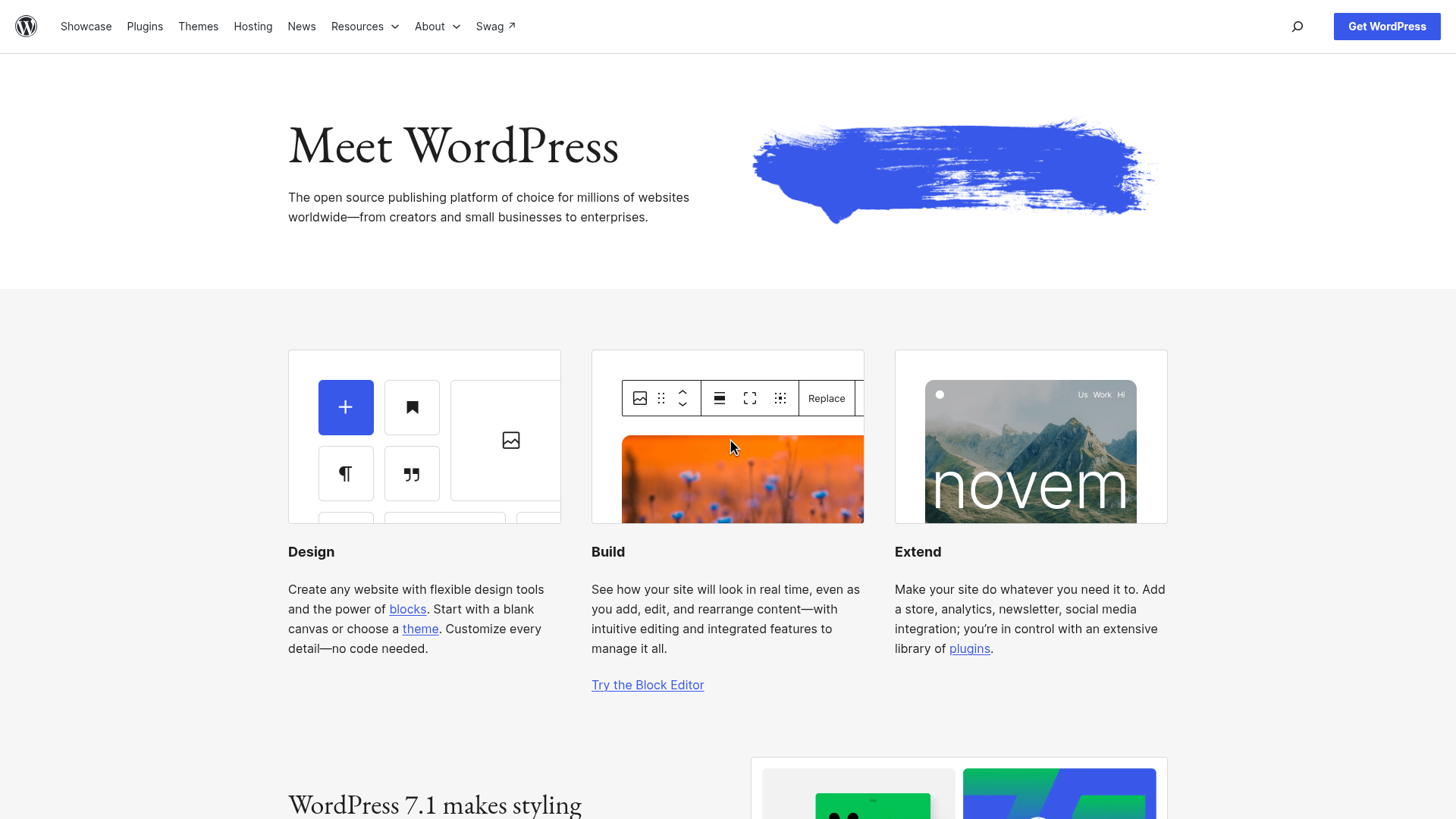
At a Glance
WordPress still stands out for teams that want deep CMS integration and lots of SEO tools. Its open ecosystem lets teams connect editorial workflows, SEO plugins, forms, analytics, automation tools, and publishing in one place. That’s the main appeal. But as the setup gets bigger, that same flexibility can become a headache.
Core Features
- Large plugin ecosystem for SEO integrations and workflow extensions
- Works with tools like Yoast SEO, Rank Math, HubSpot, and Zapier
- Supports blogs, landing pages, custom post types, and editorial roles
- Strong fit for content-heavy sites that need room to grow
Pros
- Very flexible. Teams can shape WordPress around almost any content workflow, from a simple blog to a more advanced publishing system.
- Excellent SEO ecosystem. It has the widest range of SEO plugins and extensions of any option on this list.
- Agency-friendly. Plenty of agencies and in-house teams already know the platform, so onboarding is easier.
Cons
- Maintenance adds up. Teams have to actively manage plugins, themes, updates, and hosting. It’s ongoing work.
- Can get messy fast. With too many integrations, conflicts can show up, performance can slow down, and the editorial setup can start to feel cluttered.
Who It’s For
Best for agencies, publishers, and in-house SEO teams that want maximum control over workflows, plugins, and on-page optimization without getting locked into a rigid system.
Pricing: WordPress.org is free; hosting and premium plugins and themes cost extra.
Website: https://wordpress.org
2. Shopify

At a Glance
For ecommerce teams, Shopify covers the CMS needs needed for product-focused content work. If SEO mainly focuses on product pages, collections, blogs, metadata, and reliable publishing, it’s a practical fit. It gives you less freedom than WordPress, but it’s much easier to manage day to day.
Core Features
- Built-in CMS for ecommerce content and blog publishing
- SEO settings for product pages, metadata, and sitemaps
- App ecosystem for marketing, automation, and content ops
- Hosted environment with fewer technical maintenance needs
Pros
- Strong ecommerce fit. Shopify handles the overlap between content marketing and product SEO better than most general CMS tools.
- Easy to manage. Teams can publish and update content without spending much time on infrastructure.
- Reliable hosting. Shopify handles performance, uptime, and platform maintenance with much less hands-on work than open-source setups.
Cons
- Less flexible. Shopify gives teams fewer customization options than an open platform.
- Not ideal outside ecommerce. If content is the main business model instead of commerce, other platforms may be a better fit.
Who It’s For
Best for ecommerce brands and retail marketing teams that want a simple CMS setup for product SEO, editorial content, and storefront publishing in one managed platform. A simpler workflow, all in one place.
Pricing: Public pricing is available on Shopify’s site.
Website: https://www.shopify.com
3. Webflow
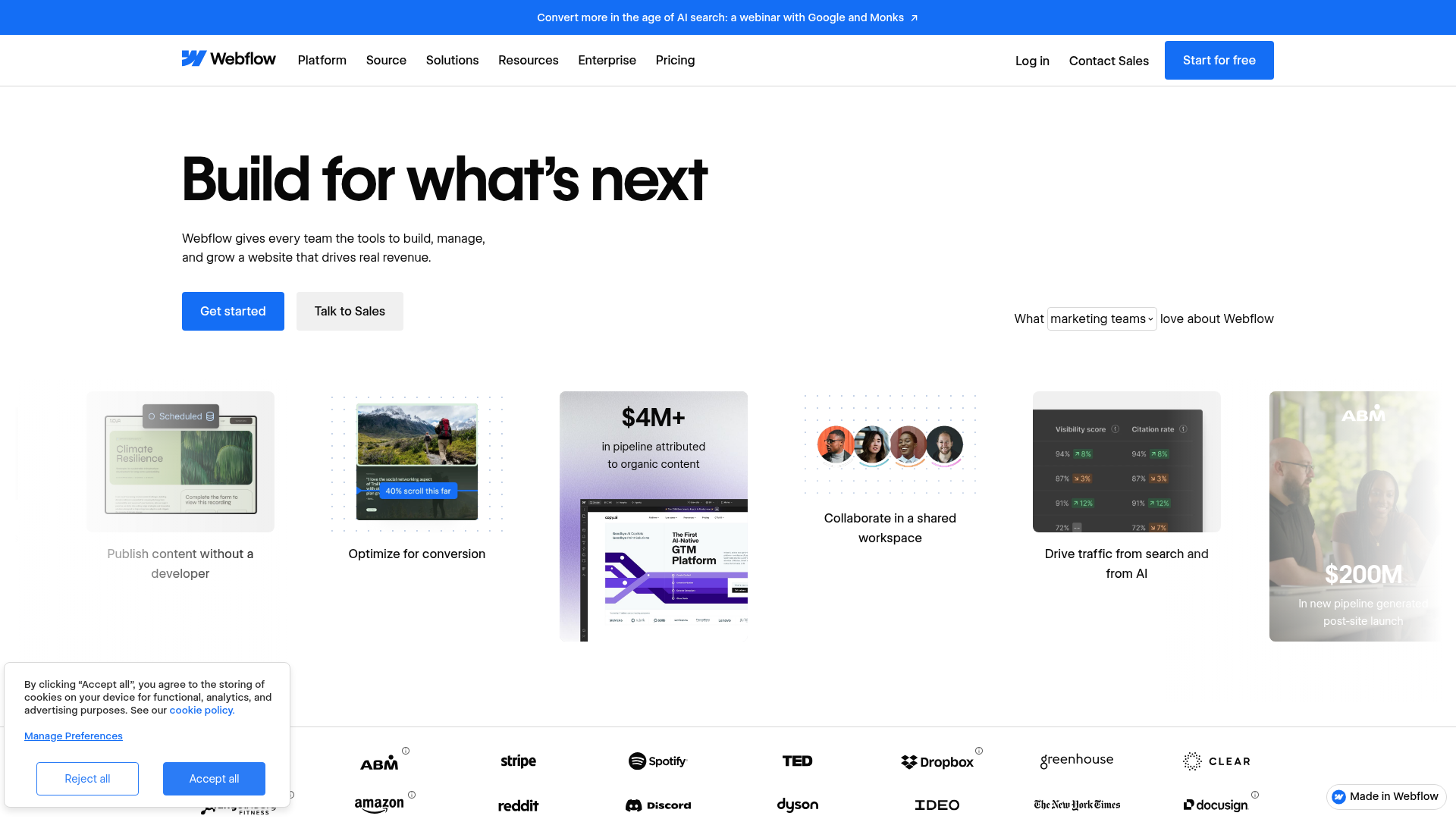
At a Glance
Webflow gives marketing teams visual control when building a site while still offering strong built-in SEO settings. For teams that want easier publishing, less dependence on developers, and a CMS that feels more tied to design work, Webflow can be a practical option. It’s fairly easy to work with.
Core Features
- Visual CMS with built-in SEO controls
- CMS collections for scalable content structures
- Page-level control for metadata, redirects, and Open Graph settings
- A good fit for content-heavy marketing sites that need fast publishing
Pros
- Design and content work well together; marketing teams can manage pages on their own instead of waiting on developers for every single update.
- Solid native SEO controls, Webflow includes many key features, so teams don’t have to rely as much on a large stack of plugins.
- Cleaner workflow for marketers, it can feel simpler than traditional CMS platforms that rely on lots of add-ons and extra setup.
Cons
- Can get expensive, costs can rise fast on higher tiers and in more advanced use cases.
- Less extensible than WordPress, teams looking for near-endless plugin-style flexibility may find Webflow more limiting.
Who It’s For
Best for marketing teams, startups, and B2B brands that want a visual website workflow with built-in SEO integration and less technical overhead than a headless stack.
Pricing: Advanced plan at $399/month or $299/month billed annually.
Website: https://webflow.com
4. Contentful
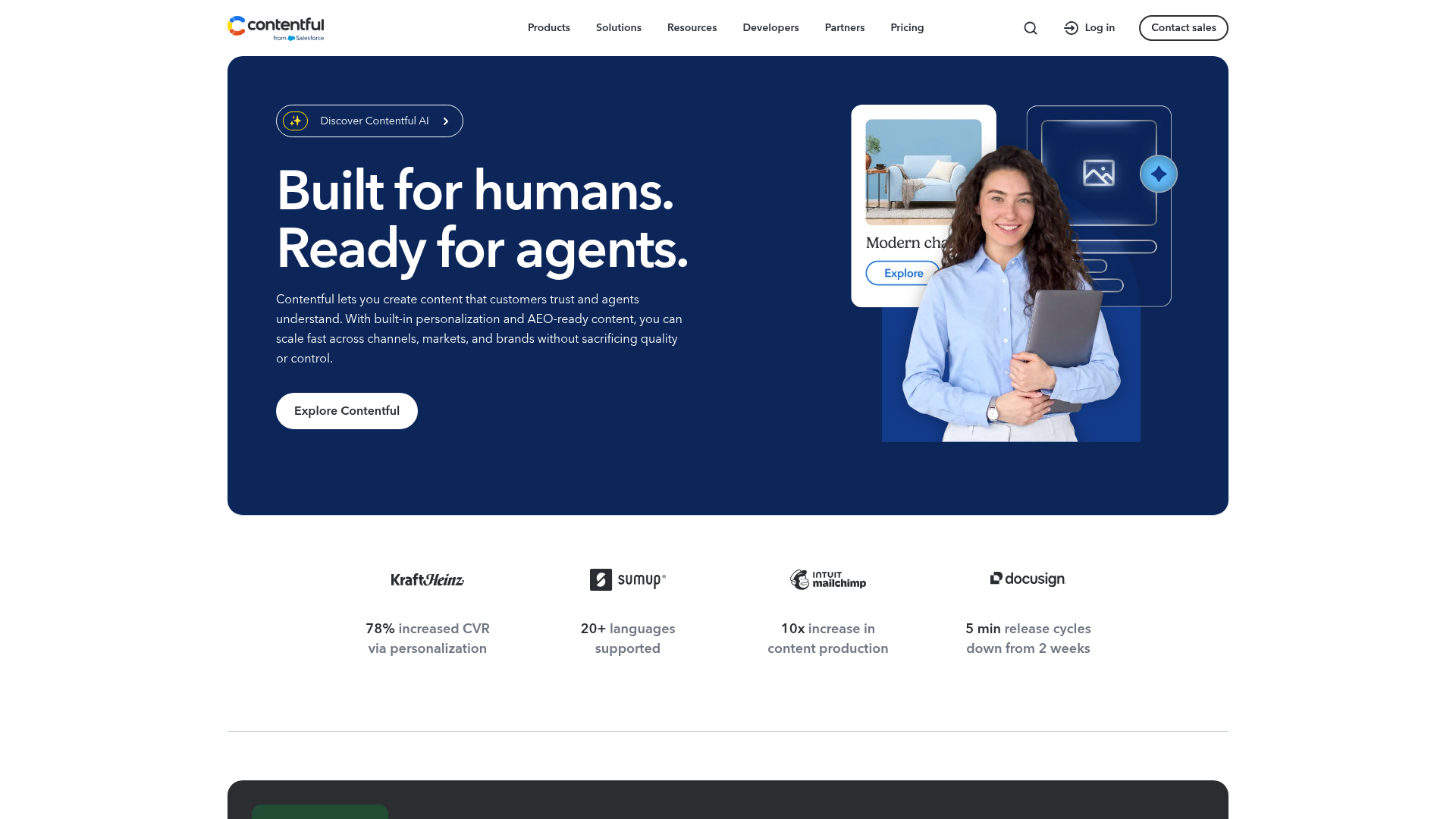
At a Glance
For teams running structured, scalable content operations across multiple channels, Contentful is one of the strongest options here. It’s also the most technical. Its API-first model helps when SEO content needs to move between websites, apps, regional properties, or custom front ends.
Core Features
- Headless CMS with API-first content delivery
- Structured content modeling for reusable content components
- Strong integrations for enterprise workflows and multi-channel publishing
- Good fit for teams managing content beyond a single website
Pros
- Great for scale. It handles structured operations much better than a basic page-based CMS.
- Strong integration potential. Especially for modern stacks where content needs to flow into different platforms and front ends.
- Helpful for complex governance. Teams can organize content models in a more intentional, reusable way.
Cons
- More technical to set up. Early on, non-technical teams may need developer support.
- Costs can be harder to predict. As operations grow, usage-based pricing gets tougher to forecast.
Who It’s For
Best for enterprise teams, multi-brand organizations, and advanced content ops groups that need a headless CMS integration strategy for structured SEO publishing across channels. It’s not a narrow fit, but it’s clearly made for teams working beyond a single site.
Pricing: Free plan available; paid plans start around $300/month.
Website: https://www.contentful.com
How CMS integration platforms compare in practice
Skip the simple scorecard. It makes more sense to compare these tools by how well they fit your workflow. That’s the real test.
- Choose WordPress if you want the widest plugin ecosystem and the freedom to build your own SEO integration stack. Teams comparing publishing systems may also want to review CMS Integration for SEO Without Chaos.
- Choose Shopify if your content operation is ecommerce-first and you want publishing, products, and SEO controls in one stable platform.
- Choose Webflow if your team cares about visual control, cleaner publishing, and built-in SEO settings without a heavy plugin footprint.
- Choose Contentful if your SEO content needs to stay structured, reusable, and ready for more than one digital property.
Across all four options, the same pattern shows up: the platform matters, and the workflow matters just as much. That part is easy to miss. A good CMS integration reduces tab-switching, makes metadata easier to manage, and supports internal updates like redirects and content refreshes without turning them into a mess. It also helps strategists, writers, editors, and developers work together with less friction.

So which CMS integration approach should you pick?
For the most flexible all-around option, WordPress is the strongest pick. If the goal is an online store, Shopify is often the smartest fit, while Webflow stands out for marketing teams that want visual control and strong built-in SEO features.
Then there’s Contentful. It’s the best enterprise-style choice for structured, scalable, multi-channel content operations. There’s no universal winner, though. The best tool depends on your SEO integration needs and whether those are plugin-driven, commerce-focused, design-led, or headless and highly structured.
Turn the right tool into a real workflow
Choosing software is the easy part. Getting real SEO results from it takes more than that.
The best teams use CMS integration as part of how content is planned, reviewed, and published, not just as a place to post pages. They set clear briefs, stick to consistent metadata rules, refresh older pages, build strong internal linking habits, and include human review in the process. A platform can support all of that, but your team still has to decide how the workflow actually works day to day.
SEOContentWriters.ai can help with that. If you want to connect strategy, drafting, editing, and publishing into a content process that feels easier to use, SEOContentWriters is an all-in-one platform that covers the best of WordPress, Shopify, Webflow, and Contentful in one easy-to-manage app. You can also explore Top SEO Tools for Content Teams That Ship Faster and How to Build Better SEO Briefs With AI. And for a closer look at building content systems around your chosen platform, the AI-powered SEO content platform is a useful place to start.
Frequently Asked Questions
Start with workflow fit, not feature overload. Look for simple metadata control, clean publishing paths, redirect handling, content modeling, integrations with your SEO stack, and an editor experience your team will actually use.
Strong SEO integration helps teams handle titles, meta descriptions, URLs, redirects, internal linking, publishing workflows and content updates without creating bottlenecks. It should also connect well with the tools they already use for research, planning and reporting.
Costs vary a lot. Some platforms start free or low-cost, then get much more expensive as traffic, users, advanced features, or enterprise-level governance grow. The real cost includes the subscription price, setup time, maintenance, and developer involvement.
Teams notice operational improvements first, like fewer publishing delays and smoother handoffs. SEO gains take longer. They depend on content quality, site structure, internal processes, and consistent use of the new workflow.
Agencies, in-house SEO teams, ecommerce brands, publishers, and multi-site companies benefit most. Any business that publishes content regularly can gain from a setup that cuts manual work and keeps SEO tasks from slipping between tools.
A practical learning resource matters because most teams don’t struggle with the CMS by itself. They struggle with the handoffs around it. SEOContentWriters.ai helps here by focusing on hybrid AI-human content workflows, CMS integration, and the operational side of scalable SEO content production.